Plan visits and coverage
Build recurring schedules and routes. See who is assigned and address gaps when a cleaner is out or a customer changes the plan.
Software for cleaning companies
Plan recurring visits, give each cleaner their own workday, and see what happened at every site without chasing a group text.
30-day trial at no charge. Public access hasn’t opened yet.

From dispatch to closeout
Build recurring schedules and routes. See who is assigned and address gaps when a cleaner is out or a customer changes the plan.
Show cleaners their assigned visits, where to go, and what to do at each site. Keep checklists and visit notes with the job.
Review what the crew finished, track exceptions like a locked room, and see the service history when a client calls.
Run your next workday
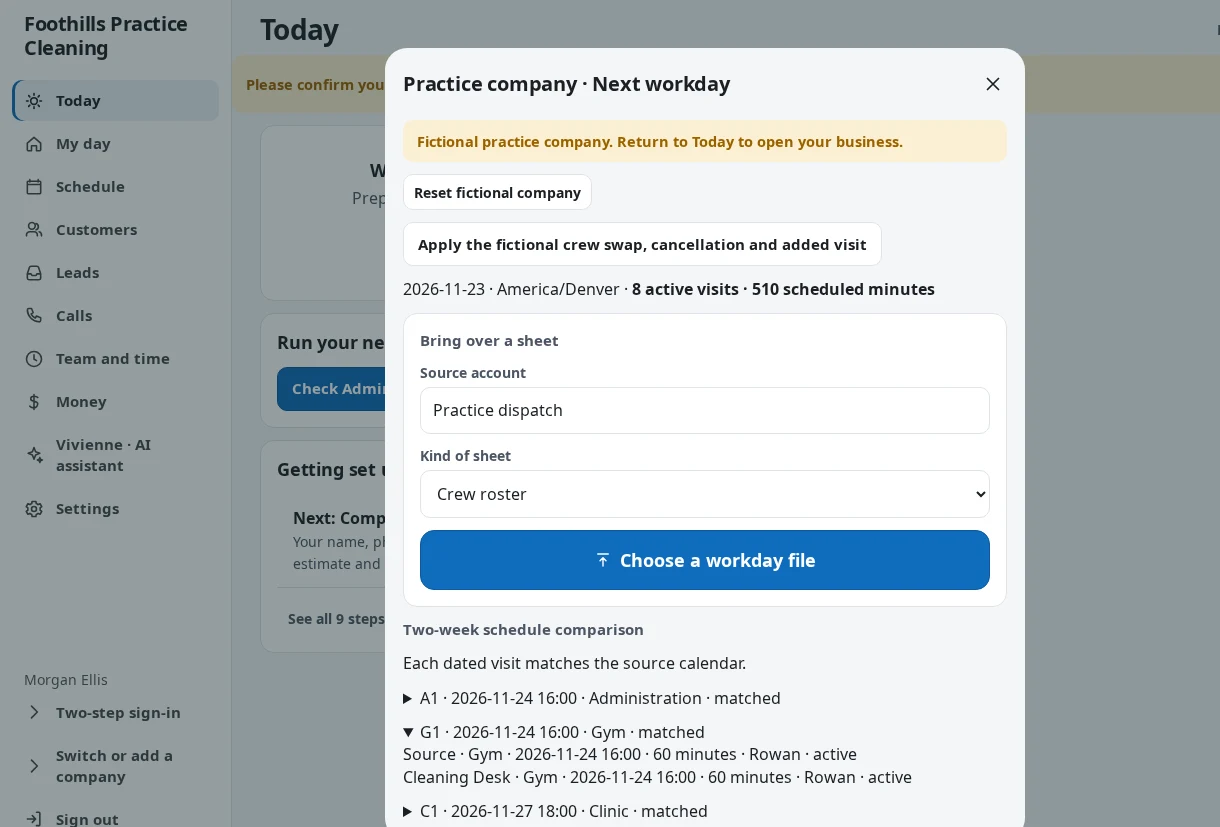
Bring over your schedule or start with the built-in sample company. Check what each cleaner sees, then rehearse a visit without sending messages or moving money.
Follow the tutorials